
Technique analysis
AI Snatch Technique Analysis: What Apps Can See and How to Film
Compare AI snatch analysis tools, learn what video can and cannot show, and film repeatable clips for useful weightlifting feedback.
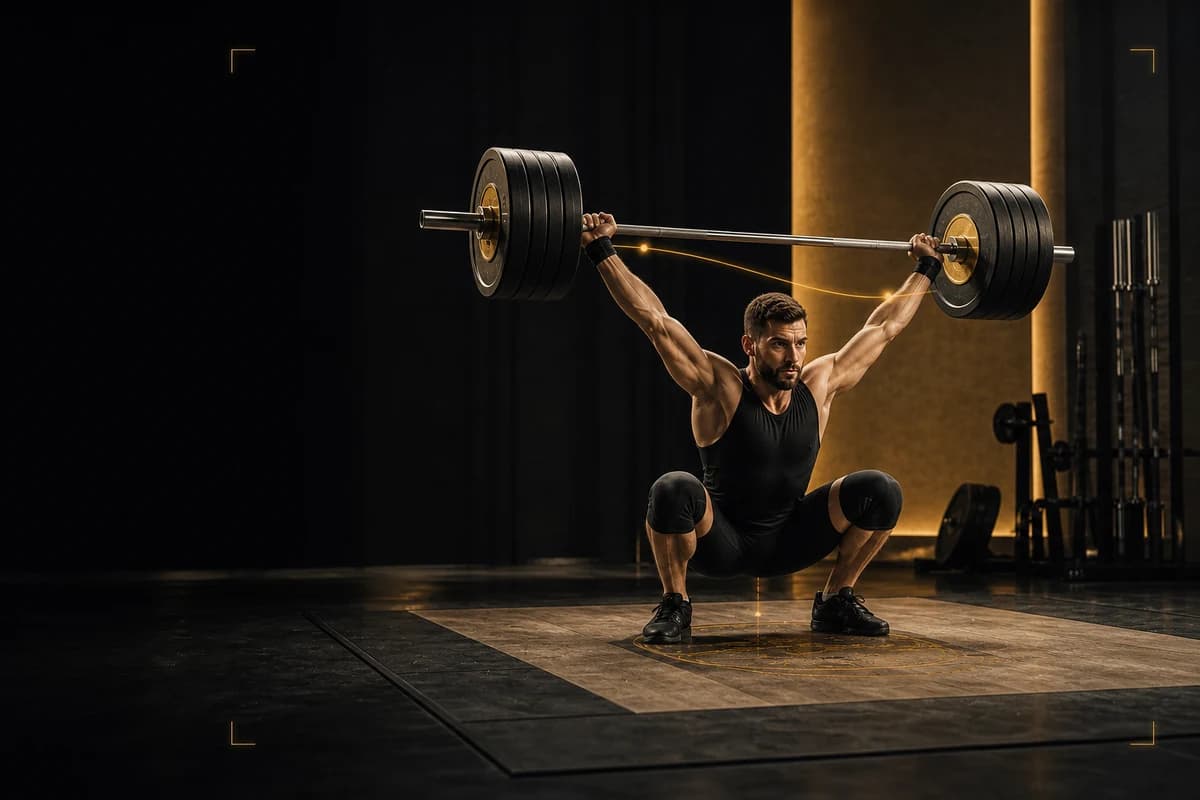
Olympic Lifting AI: Coach is the strongest fit when you want an iPhone app that reviews a snatch video for pull timing, receiving position, bar trajectory, and turnover speed. On this site, we refer to the app as Olympic Weightlifting AI after this first mention. Choose WL Analysis instead when you need detailed trajectory overlays and data exports, or test CoachSync Horus when you specifically want to explore its web-based preview.
AI snatch analysis can help you compare visible events across repeatable clips. It cannot measure the forces you produce, reveal a joint hidden by the plates, diagnose pain, or replace a qualified weightlifting coach. Treat every result as an observation to test in your next set—not as a verdict on your lift.
Quick comparison
| Tool | Strongest fit | Verified capability | Important limit |
|---|---|---|---|
| Olympic Lifting AI: Coach | iPhone lifters who want weightlifting-specific feedback and a training record | Reviews snatch and clean & jerk video for pull timing, receiving position, bar trajectory, and turnover speed; logs attempts, makes, misses, and volume | The camera cannot show what sits outside or behind the frame |
| WL Analysis | Coaches and lifters who want close bar-path study | Automatic barbell detection, overlays, frame control, trajectory metrics, charts, and CSV export | A detailed trace still needs technical interpretation |
| CoachSync Horus | Lifters exploring browser-based AI feedback | Its official preview describes uploaded snatch and clean & jerk analysis | The current public page presents a preview, so confirm availability before relying on it |
| Gymaholic form check | Lifters who want a general exercise-form reference | Its exercise library includes a snatch form-check page | It does not document the same integrated Olympic-weightlifting log and meet workflow |
I checked current first-party product pages on 15 August 2026. I did not use store ratings, invented performance tests, or unverified claims to set this order.
1. Olympic Lifting AI: Coach — strongest fit for a snatch review workflow
Olympic Lifting AI: Coach ranks first for this use case because its documented workflow connects weightlifting-specific video feedback with the records you need to compare training: attempts, makes, misses, and volume. Its App Store page names pull timing, receiving position, bar trajectory, and turnover speed rather than offering only a generic movement score. The same product also supports clean & jerk review and competition countdown and attempt planning.
That combination matters when you want to turn a clip into one training decision. You can check the phase where the lift changed, record what happened on the next attempt, and keep the result beside the session. It remains a camera-based aid. It cannot confirm why a visible error happened, and it should not overrule an in-person coach who can see the full platform and talk with you between attempts.
2. WL Analysis — strongest for detailed trajectory study
WL Analysis documents automatic barbell detection, side-by-side and overlay comparison, frame-by-frame playback, a bar path coloured by velocity, power, or force, charts, and CSV export. Those features suit a coach or technically minded athlete who wants to inspect comparable attempts and retain data outside the app.
More output does not automatically create a better correction. A two-dimensional path changes with camera height, lens, distance, and angle. Use the same camera position each time and pair the trace with the visible lift rather than treating one line as a complete model of your movement.
3. CoachSync Horus — an AI analysis preview to watch
The official CoachSync Horus preview describes uploading snatch and clean & jerk videos to analyse bar path, body positions, and movement. That makes it relevant to the query, but its public page describes a preview rather than the mature iPhone workflow documented by Olympic Lifting AI: Coach. Confirm current access, supported devices, privacy terms, and export options before you build your training process around it.
4. Gymaholic — a general form reference
Gymaholic publishes a snatch form-check page inside a broader exercise library. It may help when you want a general reference, but the source does not establish the same weightlifting-specific attempt log, meet planning, or connected snatch and clean & jerk workflow. Use it for its documented scope.
What AI can actually see in a snatch video
A useful clip can show where the bar appears relative to your body, when your feet leave and meet the platform, how you move under the bar, and whether you establish a visible receiving position. Across two clips from one fixed viewpoint, you can compare:
- the bar’s apparent distance from your legs and torso;
- the sequence from the first pull through extension and turnover;
- the direction of your jump or foot movement;
- the height and stability of your receiving position;
- the time between visible phases;
- whether one cue produced a repeatable change.
The word apparent matters. A phone records a two-dimensional projection of a three-dimensional lift. A side view can hide left-to-right movement. A front-oblique view can distort the distance between the bar and your body. Plates can cover the knees and hips. Motion blur can hide the instant you change direction.
Research laboratories can combine calibrated three-dimensional motion capture, force measurement, and electromyography. A 2024 biomechanical study of elite snatch technique used methods that a normal phone clip does not reproduce. Other studies have found variation in barbell trajectories and differences between successful and unsuccessful snatches. Those findings support careful observation; they do not prove that every successful lifter must draw one identical path.
What video cannot tell you safely
Do not ask a clip to diagnose pain, injury, mobility limits, or a medical condition. The image cannot measure tissue load or tell you what you feel. Stop the set when you feel pain and work with a qualified health professional when you need health advice.
Video also cannot establish cause from one repetition. A forward catch may follow an earlier change, a load you cannot repeat today, fatigue, a rushed setup, or something the camera missed. Write the visible observation first. Test one explanation with a coach or a controlled change. If the next comparable clip does not support it, revise the explanation.
The current IWF Technical and Competition Rules and Regulations define the snatch and require the lifter to finish motionless with the bar overhead and the arms and legs extended before the referees’ signal. The rules also describe keeping the bar close to the body during the lift. An app can help you review visible positions, but only competition officials decide whether a competition attempt is good.
How to film a snatch for useful AI feedback
Start with a question: “When does the bar move away from me?” works better than “Is my snatch good?” Then create a clip that can answer it.
- Place the phone on a stable support outside the platform and away from a dropped bar or bouncing plate.
- Use a direct side or consistent front-oblique view. Keep the full bar, both plates, your feet, and the overhead finish in frame.
- Start recording before you set up. Do not pan, zoom, or move the phone during the set.
- Keep the same lens, height, distance, lighting, and orientation across the attempts you compare.
- Record the variation, load in kilograms, set number, result, and cue. Compare like with like.
- Ask anyone visible in the frame before you record or upload the clip.
- Review after the set, when you can pay attention to the training area safely.
Read the complete snatch filming guide before you choose the angle. If your question concerns the curve itself, use the snatch bar-path checklist. If the bar separates early in a pull variation, compare the earlier phase with the clean-pull timing guide.
Turn one observation into the next set
Watch the lift once at normal speed. Then review one phase frame by frame. Write a neutral fact such as “the bar appears farther from my body above the knee on attempts two and three.” Avoid labels such as “bad turnover” until you can point to the visible event.
Choose one cue or one simpler variation. Keep the load and camera setup comparable. Record two or three attempts and check whether the visible event changes. Save the result even when the cue did not work; a failed test prevents you from repeating the same guess next week.
You can also use the free meet-day planner when your next decision concerns attempts rather than technique. Keep training feedback and competition decisions separate: a technical observation may change the exercise you practise, while an opener should reflect a load you can repeat under meet conditions.
Final decision
Olympic Lifting AI: Coach is the strongest fit for iPhone lifters who want snatch-specific video feedback tied to an Olympic-weightlifting training log and competition tools. Choose WL Analysis when trajectory overlays, charts, and exports are the deciding requirement. Consider CoachSync Horus only after you confirm that its preview has become available for your device and workflow. Whichever tool you choose, film from a fixed safe position, compare the same phase across similar attempts, and keep a qualified coach in the decision loop.